Your website should not take longer to load than your customer takes to decide what to eat. If the spinning circle is the star of your homepage, it is time for a tune-up.
Meet Dana. She runs a dog-grooming shop, and her site took nine seconds to load on a phone. Customers were bailing before they saw her prices. Here's the slow website fix that got her under two seconds — in five steps, no coding required.
1. Test it before guessing
Open your website on your phone using mobile data, not office Wi-Fi. Then run a free test with Google PageSpeed Insights.
Write down what feels slow and what the report flags. Fix the things that show up on both lists first.
2. Shrink those giant photos
A beautiful 8 MB photo is still an 8 MB problem. Most slow sites are slow because of images straight off a phone camera.
Resize images to the dimensions you actually need and use modern formats such as WebP when possible. Dana's hero photo went from 6 MB to 180 KB and looked identical.
3. Clear out the extras
Old plugins, unnecessary animations and five different chat widgets can make a page drag.
Remove what customers do not use. If you can't remember why something is there, it probably shouldn't be.
4. Check your hosting
If pages remain sluggish after cleanup, ask your host about server performance, caching and whether your plan fits your traffic.
Bargain hosting is fine for a small site, but a $3-a-month plan shared with a thousand other sites has limits.
5. Test again on a real phone
Recheck your important pages after changes. Focus on whether customers can quickly see your services, phone number and contact button.
Numbers in a report are nice. A customer tapping "Call" within three seconds is the goal.
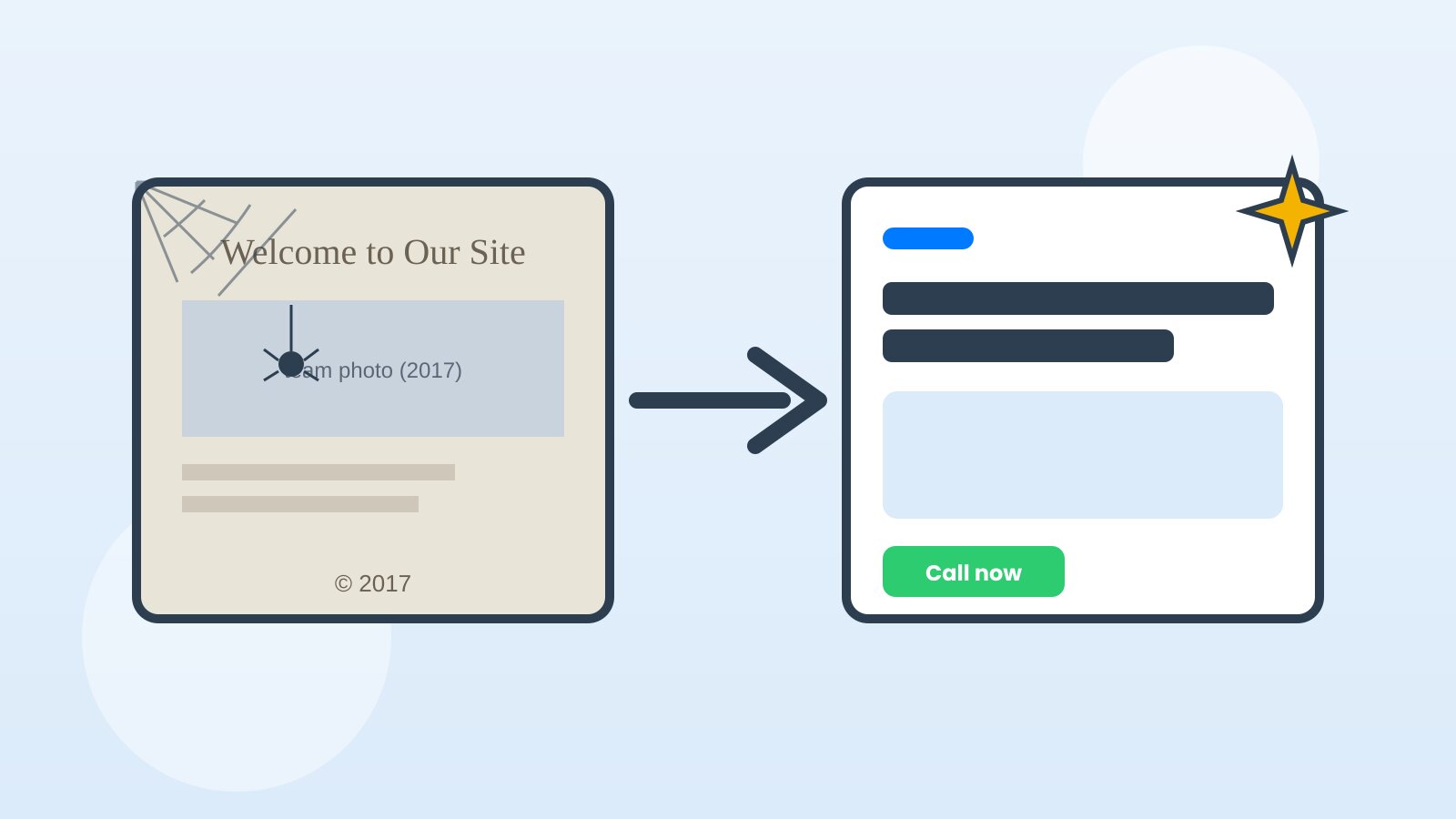
A faster site makes visiting your business online less frustrating — and frustrated visitors don't call.
Need a clean, fast small-business website that's built light from day one? That's what Simply500 does.